Ergonomic desk kit has a bad reputation for good reason: it is sold as a cure for problems that are usually caused by desk height, mouse distance and hours without a break. Fix those first — they cost nothing — and then buy the equipment that addresses the posture no chair can fix.
This guide covers four setups aimed at wrist and forearm comfort, from a mild change to a genuine split layout. Specifications are manufacturer-published.

The physics of sore wrists
Two things cause most mouse-and-keyboard discomfort:
Wrist bend. If your elbows sit below desk height, your wrists angle upwards all day. Compression builds in the carpal tunnel. Fixing elbow height removes the bend.
Forearm pronation. A flat mouse turns your forearm palm-down and rotates your wrist outward. A vertical mouse removes that rotation. It is the single most effective equipment change for mouse-side discomfort.
A third cause is repetition without variation: the same small movements for hours. No device fixes that; breaks do.
The four setups
Logitech MX Keys S
Not a radical ergonomic design, but the pragmatic one: low-profile keys with a light, quiet action, backlighting, and instant switching between several devices. It reduces effort without demanding you relearn typing.
Why it works
- Comfortable for long writing sessions with no learning curve
- Switches instantly between a work laptop and a personal machine
- Quiet enough for shared spaces
What to weigh up
- Not a split or tented design, so it does not address wrist pronation
- Software features are more useful on some platforms than others
Where else to look
- Best BuyCheck current price
- B&H Photo VideoCheck current price
- WalmartCheck current price
- NeweggCheck current price
Specifications in this card come from the manufacturer's published material — see the sources list at the end of this guide. We do not publish prices because they change weekly.
The low-effort option: a comfortable low-profile keyboard that reduces finger travel and switches between several computers. It is not a radical ergonomic design, which is exactly why most people can adopt it without a learning period.
Keychron K5 Max
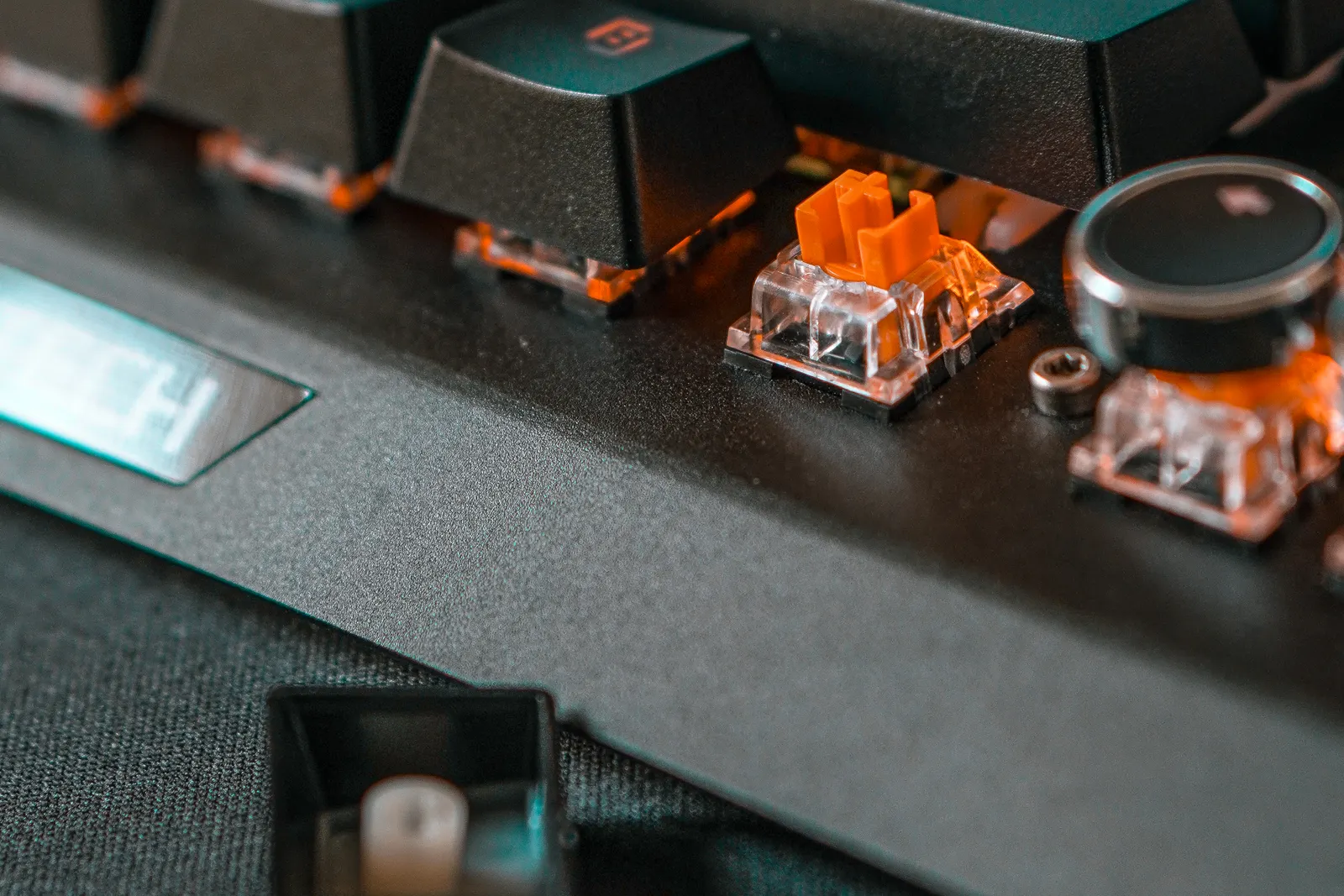
A full-size low-profile mechanical keyboard with wireless multi-device support and hot-swappable switches. Choose it if you want mechanical feel and repairability rather than the flattest possible design.
Why it works
- Mechanical feedback without a tall, angled chassis
- Hot-swappable switches and repairable construction
- Works across several devices
What to weigh up
- Louder than a membrane keyboard
- Heavier and thicker than the low-profile mainstream options
Where else to look
- Best BuyCheck current price
- B&H Photo VideoCheck current price
- WalmartCheck current price
- NeweggCheck current price
Specifications in this card come from the manufacturer's published material — see the sources list at the end of this guide. We do not publish prices because they change weekly.
For typists who want mechanical feedback in a lower-profile chassis, with hot-swappable switches and repairability. Louder than the mainstream options, and a genuine step up in feel for people who type all day.
Logitech Lift Vertical Mouse
A vertical mouse sized for smaller hands, which is rarer than it should be. It reduces forearm pronation, and the size matters: an oversized vertical mouse creates its own problems.
Why it works
- Smaller than most vertical mice, which suits a wider range of hands
- Encourages a handshake-like grip rather than a flat, twisted wrist
- Quiet clicks and reliable wireless connection
What to weigh up
- Precision work takes a week or two of adjustment
- Not a gaming mouse
- Right-handed versions only on most models
Where else to look
- Best BuyCheck current price
- B&H Photo VideoCheck current price
- WalmartCheck current price
- NeweggCheck current price
Specifications in this card come from the manufacturer's published material — see the sources list at the end of this guide. We do not publish prices because they change weekly.
The vertical mouse sized for smaller hands. This is the change we would make first: cheap, quick to adapt to, and directly addresses the forearm rotation that flat mice cause.
Microsoft Sculpt Ergonomic Desktop
The most accessible introduction to split-keyboard design: a domed layout with a raised wrist rest, plus a separate number pad and a vertically shaped mouse. Relearning takes weeks, not days.
Why it works
- Genuinely different wrist posture from a flat keyboard
- Separate number pad lets you place the mouse closer
- Frequently the cheapest route into a split layout
What to weigh up
- Typing takes weeks to relearn, and some people never adjust
- Windows-first design, with limited macOS key mappings
- Not a mechanical keyboard
Where else to look
- Best BuyCheck current price
- B&H Photo VideoCheck current price
- WalmartCheck current price
- NeweggCheck current price
Specifications in this card come from the manufacturer's published material — see the sources list at the end of this guide. We do not publish prices because they change weekly.
The value route into a split layout, with a domed keyboard, a separate number pad and a vertical-shaped mouse. Expect weeks of adjustment — and budget a return if you cannot adapt.
Comparing the four
| MX Keys S | Keychron K5 Max | Logitech Lift | Sculpt Ergonomic | |
|---|---|---|---|---|
| Type | Low-profile membrane | Low-profile mechanical | Vertical mouse | Split keyboard + mouse |
| Change to posture | Small | Small to moderate | Large (forearm rotation) | Large (wrist angle) |
| Adjustment time | None | Days | Days | Weeks, sometimes longer |
| Multi-device | Yes | Yes | Yes | Dongle-based |
| Best for | Most people who type a lot | Mechanical feel with repairability | Mouse-side wrist discomfort | Wrist pain from a flat keyboard |
| Watch out for | No split layout | Louder, thicker | Precision tasks take practice | Learning curve, Windows-first |
A sensible order of purchases
- A vertical mouse. Smallest outlay, quickest payoff, addresses the most common problem.
- A wrist rest under the palm, used between typing bursts. Cheap, and surprisingly effective when used correctly.
- A keyboard with less finger travel, or a split layout if discomfort persists after the first two changes.
- A keyboard tray or adjustable-height desk to fix elbow height properly, which is the underlying cause for many people.
What to skip
- Wrist supports that clamp your hand into a fixed position. Restraint is not ergonomics; free movement is.
- “Ergonomic” keyboards that only add a wrist rest to a flat layout. The rest is the accessory; the layout is the product.
- Buying a full ergonomic desk setup in one order. Change one thing at a time, so you know what helped — and so you can return what did not.